Web Dev Tips & Mini Tutorials
TL;DR: A collection of actionable tips and mini tutorials to improve your web projects, including performance optimization, CSS/JS tricks, and small experiments that can be implemented immediately.

When I first started building my personal portfolio, I quickly realized that creating a website is more than just making it look good. Performance, clean code, and maintainability matter just as much. Over time, I experimented with small improvements — mini tutorials if you will — and I want to share them here in one post so you can apply them directly to your own projects.
Optimizing Images: The First Step to Speed
One of the first issues I noticed was that images were slowing my site down. Large PNGs and JPEGs were being loaded at full resolution even when the display size was much smaller. The solution was simple but effective:
Convert images to WebP format wherever possible.
Resize images to the exact dimensions needed on the page.
<img src="optimized-image.webp" alt="Project Screenshot" width="600">
After doing this, my site’s initial load time dropped significantly. On mobile, the improvement was even more noticeable. Lesson learned: optimizing images is one of the quickest wins for improving web performance.
Minifying CSS and JavaScript
Next, I turned my attention to my CSS and JavaScript files. I had multiple CSS files, a few large JS libraries, and some leftover styles that weren’t even being used. The solution:
Combine multiple CSS files into one
Minify CSS using CSSNano
Minify JS using Terser
Remove unused code
This process alone reduced my total CSS/JS payload by almost 40%, and my pages loaded much faster. It was a reminder that small housekeeping can have a big impact on user experience.
Using CSS Grid and Flexbox for Cleaner Layouts
When I first built my portfolio, I relied on nested divs and floats. It was messy. Learning CSS Grid and Flexbox transformed the way I built layouts. Now, I use Grid for my overall layout and Flexbox for smaller components like navigation bars.
.container {
  display: grid;
  grid-template-columns: repeat(3, 1fr);
  gap: 16px;
}

.navbar {
  display: flex;
  justify-content: space-between;
  align-items: center;
}
This approach made my code cleaner, easier to maintain, and fully responsive. I also spent less time debugging alignment issues.
Lazy Loading Images and Assets
After optimizing images and code, I realized that some sections of my portfolio were still slow to load because all images were being fetched at once. Implementing lazy loading solved this:
<img src="project-image.webp" loading="lazy" alt="Project Screenshot">
Now, images and iframes only load when they appear in the viewport. This drastically improved perceived load time, especially on slower mobile networks.
JavaScript Micro Tricks
Small JS improvements can make a huge difference. I started using debounce for input fields and scroll events to prevent unnecessary function calls:
function debounce(func, delay) {
  let timer;
  return function (...args) {
    clearTimeout(timer);
    timer = setTimeout(() => func.apply(this, args), delay);
  };
}
I also cached some API responses locally and used requestAnimationFrame for animations instead of setInterval. These micro optimizations combined to improve site responsiveness and smoothness.
Mini Experiment: Dark Mode Toggle
Adding a dark mode toggle was a fun, small experiment that made my site feel more modern. I used CSS variables for theming:
:root {
  --bg-color: #fff;
  --text-color: #000;
}

[data-theme="dark"] {
  --bg-color: #121212;
  --text-color: #fff;
}

body {
  background: var(--bg-color);
  color: var(--text-color);
}
Visitors can switch themes instantly, and it only took a few minutes to implement. Little experiments like this keep learning fun.
Using a CDN for Faster Asset Delivery
To make my website even faster for users around the world, I hosted large assets (images, JS libraries) on a CDN like Cloudflare or jsDelivr. This ensures faster delivery and reduces server load.
Measuring Performance
Finally, I started using Google Lighthouse to measure site performance and track improvements. Focusing on Core Web Vitals (LCP, CLS, FID) helped me prioritize the most impactful changes.
Conclusion
Even small, incremental improvements can transform your web projects. Here’s what I learned:
Optimize images
Minify CSS and JS
Use CSS Grid and Flexbox wisely
Lazy load assets
Implement small JS improvements
Add fun experiments like dark mode
Host large assets on a CDN
Measure performance regularly
By tackling one mini tip at a time, your projects become faster, cleaner, and more professional. Keep experimenting, documenting, and sharing your progress — mini tutorials like these make you a better developer and give your portfolio real credibility.
Tags: WebDev, CSS, JS, Performance, Portfolio
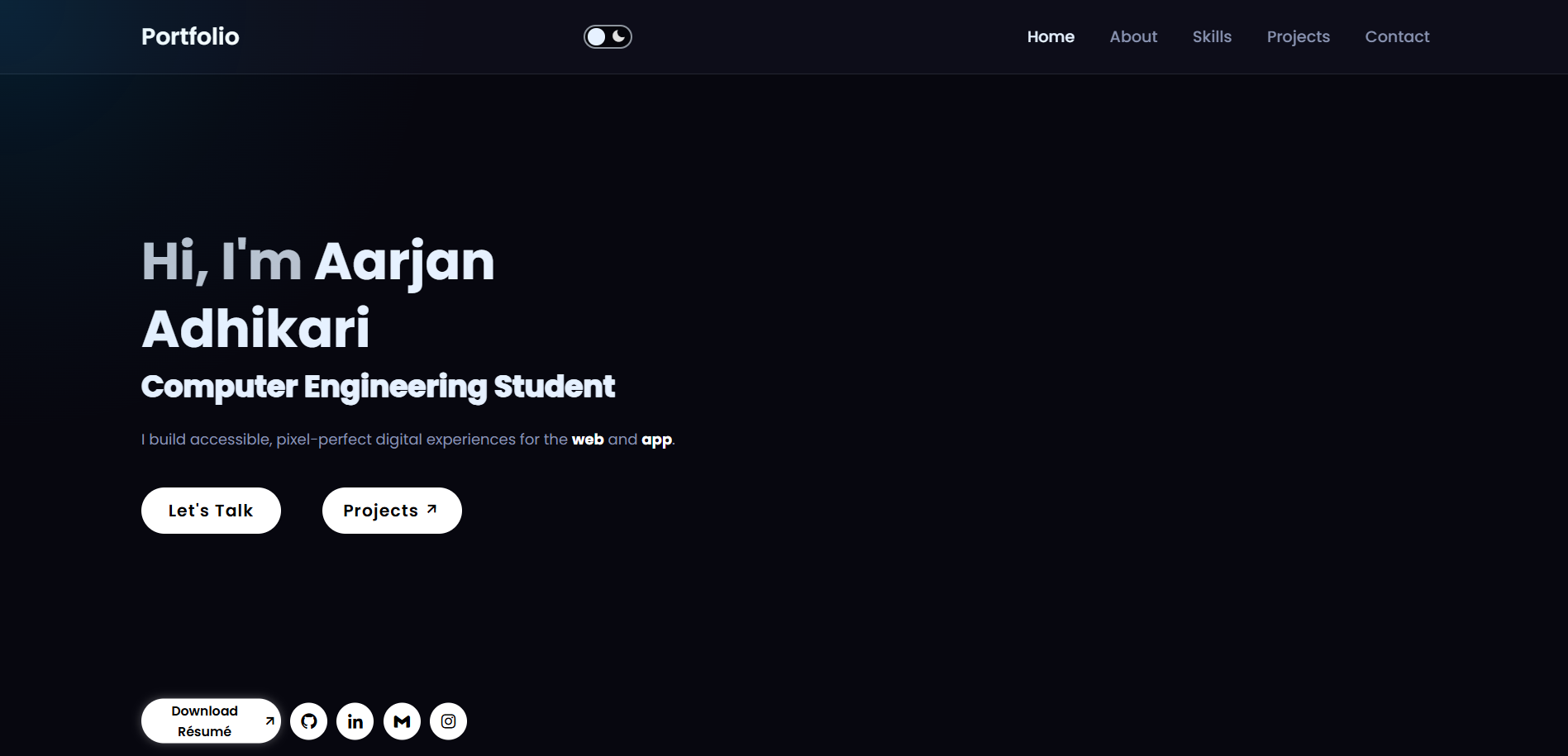
A quick glance of my website (visit: aarjanadhikari.com.np)